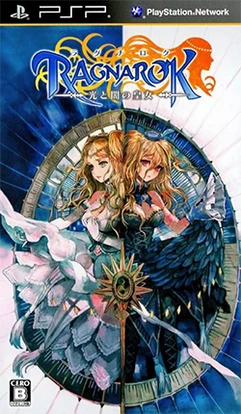
Ragnarok Tactics
Ragnarok Tactics delivers an engaging tactical RPG experi...

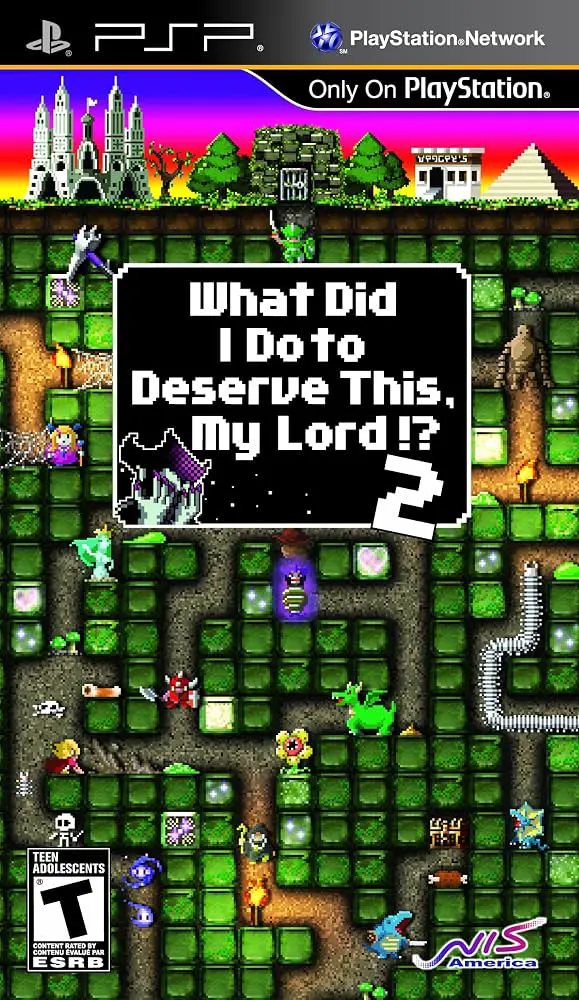
What Did I Do to Deserve This, My Lord? 2 expands significantly on its cult-classic predecessor (originally titled Holy Invasion of Privacy, Badman!), offering deeper strategy, improved monster variety, and refined digging mechanics.
Players use a magical pickaxe with limited Dig Power to carve out underground dungeons and manage soil nutrients. Digging nutrient-rich blocks spawns basic monsters like Slimies, which feed on other organisms to trigger food chains that yield high-tier beasts like Demons and Dragons. When invading heroes arrive to capture Badman, your dungeon layout and monster placement determine whether he survives. Featuring four distinct story worlds, expanded mutation options, dynamic hero party AI, and dedicated tutorial/challenge modes, the game turns simple pickaxe mechanics into a complex tactical ecosystem simulation.
Game Title: What Did I Do to Deserve This, My Lord? 2 (Also known as No Heroes Allowed! series / Yusha no Kuse ni Namaiki da or2)
Platform: PlayStation Portable (PSP)
Genre: Real-Time Strategy (RTS) / Ecosystem Simulator / Dungeon Management
Developer: Acquire
Publisher: Sony Computer Entertainment
Release Date: December 11, 2008 (JP) / May 4, 2010 (NA) / May 26, 2010 (EU)
File Size: ~150 MB - 250 MB (ISO/CSO)
Language: English
Reverse Dungeon Defense Mechanics: Protect Overlord Badman by designing complex subterranean mazes to trap, confuse, and ambush invading heroes.
Ecosystem Food Chain System: Manage food webs, soil nutrients, and mana levels to breed over 40 distinct monster variants, including Omnimutes, Lizardmen, and Dragons.
Over the Top Pop-Culture Humor: Enjoy witty dialogue, fourth-wall breaking references, and humorous parody tropes mocking classic RPG heroes.
Expanded Game Modes: Tackle the main Campaign, test your efficiency in Daily Training, or design custom scenarios in the "My Dungeon" sandbox editor.
Ad-Hoc Multiplayer: Team up with another God of Destruction via local PSP wireless connectivity to build shared dungeons and defeat invading heroes together.
A: Yes. The original game in the series was titled Holy Invasion of Privacy, Badman! What Did I Do to Deserve This? in North America before being renamed due to trademark concerns, leading to this sequel's distinct title.
A: Yes, it runs perfectly on the PPSSPP emulator across PC, Android, and iOS devices with full speed performance, clear graphics rendering, and custom touch controls.
A: Advanced monsters require high concentrations of Mana or Nutrients. You must build high-density soil pockets by allowing lower-tier organisms (like Slimies and Omnimutes) to feed, reproduce, and concentrate nutrients into neighboring blocks before digging them open.
A: The game features a steep learning curve due to real-time ecosystem mechanics, but it includes comprehensive training tutorials to help newcomers master food chains, soil management, and hero counters.
Click the links below to go to the cloud drive download page
⚠️ Download Tips: