
Hakuoki – Warriors of the...
Step into the Bakumatsu era in Hakuoki: Warriors of the S...

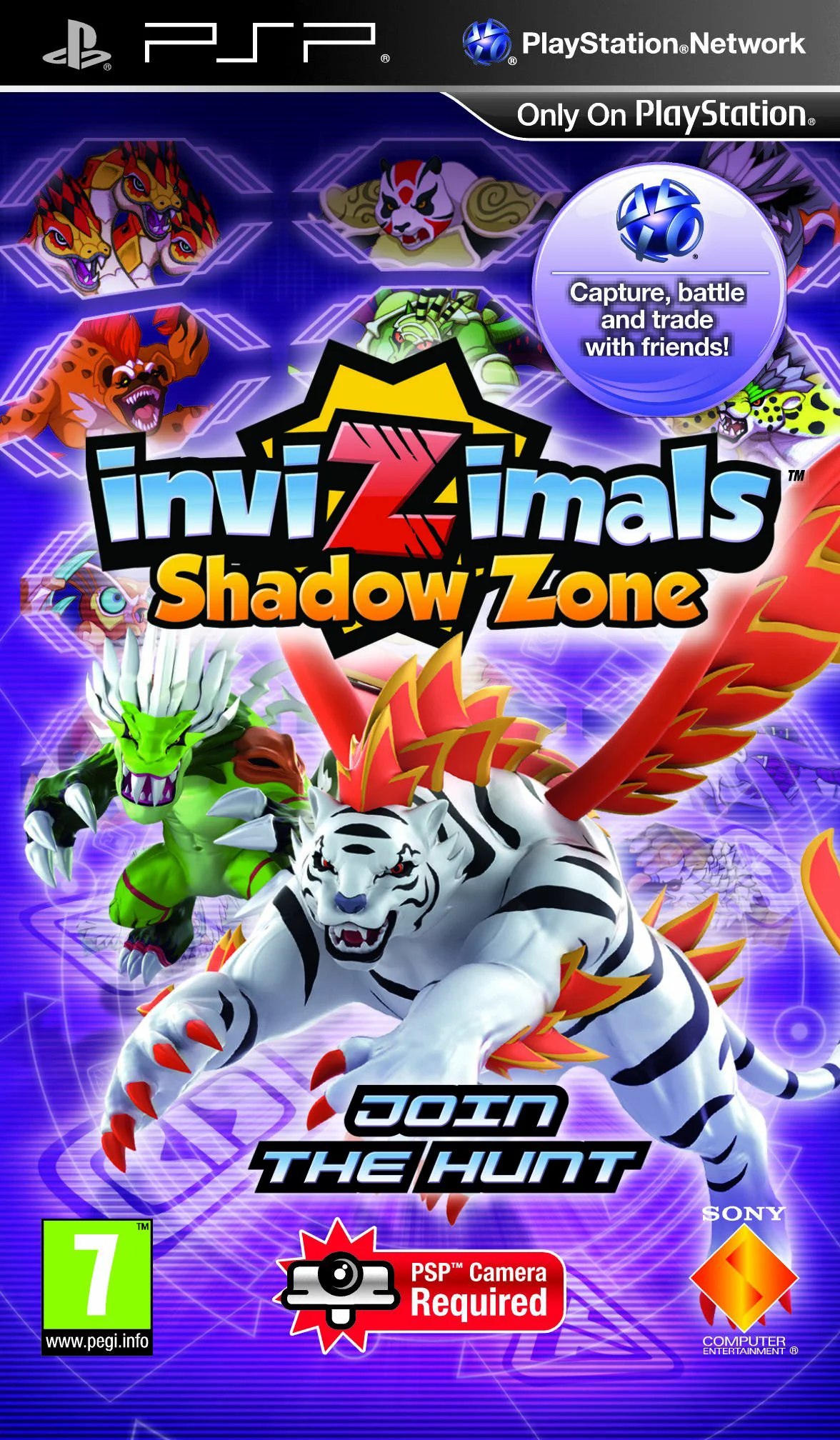
Invizimals: Shadow Zone is an innovative augmented reality (AR) creature-hunting adventure developed by Novarama and published by Sony Computer Entertainment for the PlayStation Portable. Serving as the direct sequel to the original hit title, Invizimals, this entry expands on the interactive experience by requiring the PSP Camera peripheral (Go!Cam) and a physical Trap Card to blend video game elements directly into the player's real-world environment.
In the game's story, players team up with scientists Keni, Dawson, and Kamiko to investigate a mysterious world called the Shadow Zone, where dangerous new creatures emerge. Gameplay revolves around scanning physical surfaces—such as tables, floors, or walls—to detect hidden creatures using color and sound signatures. Once an Invizimal is located, players engage in interactive mini-games to capture it, ranging from whistling and blowing into the microphone to physical movement and shadow manipulation.
Beyond capturing, players can level up, evolve, and customize their Invizimals, equipping them with special attacks, structural builds, and custom color schemes. The game features an expanded roster of over 100 creatures, a deeper single-player story campaign told through live-action cutscenes, and robust multiplayer battle arenas accessible via infrastructure and ad-hoc modes.
Specification | Details |
Title | Invizimals: Shadow Zone |
Platform | PlayStation Portable (PSP) |
Genre | Augmented Reality / Creature Collector / Action-Adventure |
Developer | Novarama |
Publisher | Sony Computer Entertainment |
Release Date | November 12, 2010 (Europe) / November 25, 2011 (North America) |
File Format | ISO / CSO |
ESRB Rating | E10+ (Everyone 10+ - Mild Violence) |
Game Modes | Single-Player, Ad-Hoc & Infrastructure Multiplayer |
Augmented Reality Gameplay: Utilizes the PSP Camera and physical Trap Card to render 3D creatures directly onto real-world surfaces.
Over 100 Collectible Creatures: Features more than 100 unique Invizimals to hunt, capture, train, and evolve across multiple elemental types.
Interactive Capture Mini-Games: Capture mechanics incorporate real-world interactions, including sound detection, color tracking, and motion challenges.
Deep Customization System: Rename your creatures, alter their skin colors, upgrade stats, and attach custom attack vectors for tailored battle strategies.
Co-op & Competitive Multiplayer: Fight against friends or trade creatures locally via Ad-Hoc or online through Infrastructure Mode.
Live-Action Storytelling: Features immersive live-action video scenes that guide players through the global secret of the Shadow Zone.
The official full title is Invizimals: Shadow Zone (sometimes stylized as InviZimals: Shadow Zone).
Yes, but because the game requires camera input and a trap card, you must enable the web camera pass-through feature in PPSSPP settings or use custom cheats/plugins to bypass camera checks.
Yes, playing on original PSP hardware requires the official PSP Camera attachment (PSP-300 or PSP-450) and a physical Invizimal Trap Card (or a printed image of the card).
Yes, it is the second main entry in the Invizimals franchise, directly continuing the storyline from the original 2009 game and preceding Invizimals: The Lost Tribes.
Click the links below to go to the cloud drive download page
⚠️ Download Tips:
Step into the Bakumatsu era in Hakuoki: Warriors of the S...

Step into the glowing digital grid of the TRON universe i...

Set in 1974 Costa Rica, play as Big Boss (Naked Snake) as...

Secret Agent Clank is an action-adventure platforming vid...
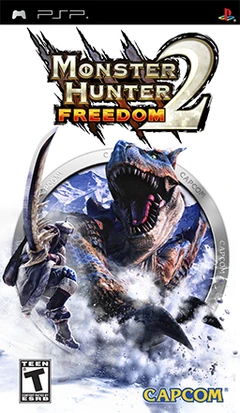
Monster Hunter Freedom 2 is a critically acclaimed action...