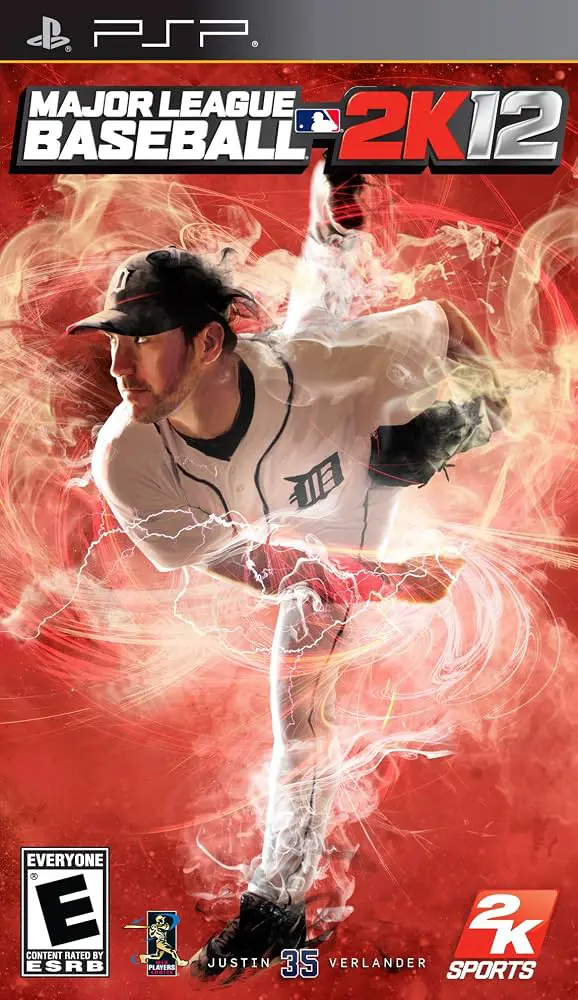
Major League Baseball 2K12
An immersive handheld baseball simulation delivering auth...

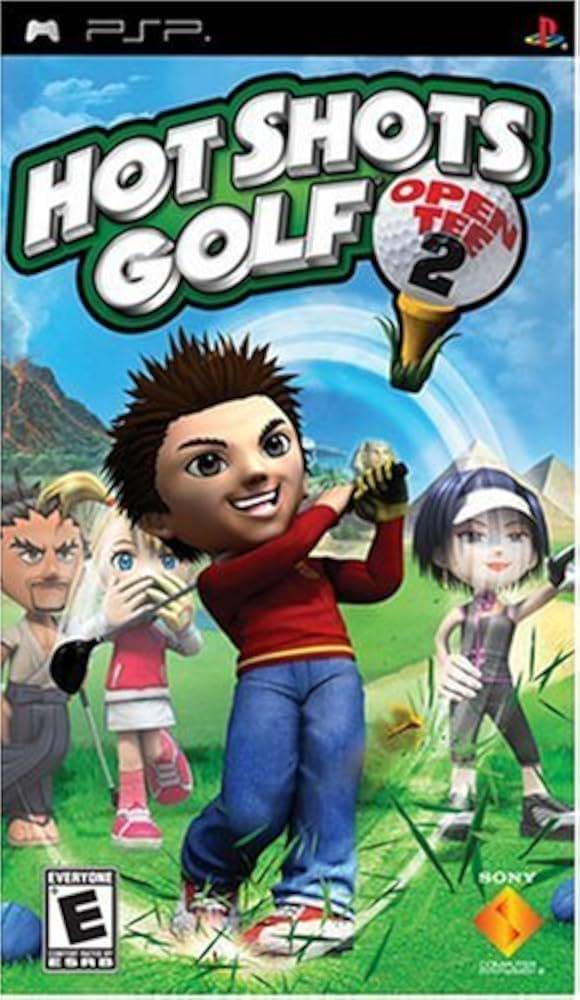
Hot Shots Golf: Open Tee 2 brings the charm and accessibility of Sony's long-running sports franchise back to handheld devices, combining intuitive arcade controls with deep tactical golf gameplay. Players compete across a wide variety of colorful 18-hole courses—ranging from tropical beach resorts to dense jungle ruins and European mountain countryside—each offering unique terrain hazards, dynamic wind conditions, and challenging green slopes.
The core swing mechanic utilizes the series' iconic three-click power meter system, allowing both newcomers and seasoned fans to master power and accuracy with ease. As players win tournaments in Challenge Mode, they unlock new golfers, caddies, clubs, balls, and hundreds of cosmetic clothing items. Customizing your golfer with specialized gear directly enhances attributes such as driving distance, control precision, impact zone width, and spin capability.
In addition to robust single-player tournament modes, Hot Shots Golf: Open Tee 2 features rich multiplayer support. Players can engage in 16-player online tournaments or head-to-head matches over local Ad-Hoc wireless, making it one of the most content-complete handheld sports titles in the PlayStation Portable library.
Specification | Details |
Title | Hot Shots Golf: Open Tee 2 (Everybody's Golf 2 in EU) |
Platform | PlayStation Portable (PSP) |
Genre | Sports / Arcade Golf / Simulation |
Developer | Clap Hanz |
Publisher | Sony Computer Entertainment |
Release Date | June 3, 2008 (North America) |
File Format | ISO / CSO |
ESRB Rating | E (Everyone - Comic Mischief) |
Game Modes | Single-Player, Ad-Hoc & Infrastructure Multiplayer |
12 Vibrant 18-Hole Courses: Play across 6 brand-new courses alongside remastered fan-favorite courses from previous entries.
24 Playable Golfers & Caddies: Unlock a diverse roster of anime-style characters, each possessing distinct swing styles and stat profiles.
Extensive Gear & Outfit Customization: Mix and match hundreds of collectible clothing items, hairstyles, clubs, and balls to boost stats and alter player appearance.
Classic Three-Click Swing System: Features the accessible timing-based shot meter that rewards precise hit timing and strategic shot shaping.
Multiplayer Support: Enjoy local wireless Ad-Hoc matches or large-scale multiplayer tournaments with up to 16 players.
The official title in North America is Hot Shots Golf: Open Tee 2, while in European regions it was released under the name Everybody's Golf 2 (and Minna no Golf Portable 2 in Japan).
Yes, the ISO/CSO image files for Hot Shots Golf: Open Tee 2 run smoothly at crisp, high-definition resolutions on the PPSSPP emulator across Windows, Android, macOS, and iOS platforms.
No, Open Tee 2 is an expanded, standalone entry that includes fresh courses, updated mechanics, and recycled classic courses, making it easy for new players to jump right in.
Yes, the Hot Shots Golf series is famous for its accessible, arcade-style approach, intuitive controls, and lighthearted character design that anyone can pick up and enjoy.
Click the links below to go to the cloud drive download page
⚠️ Download Tips:
An immersive handheld baseball simulation delivering auth...
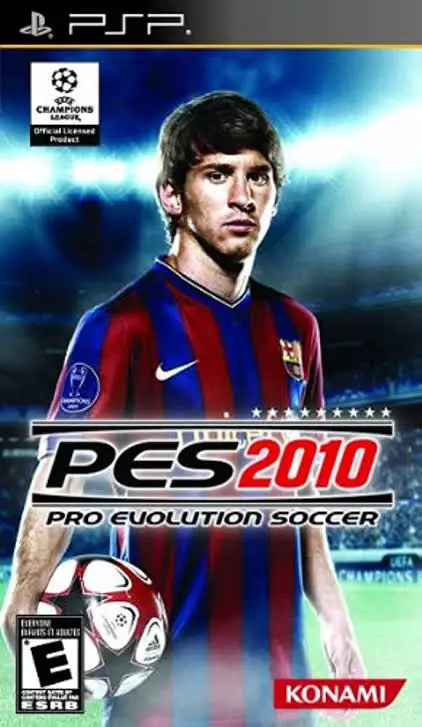
Pro Evolution Soccer 2010 brings an immersive and refined...
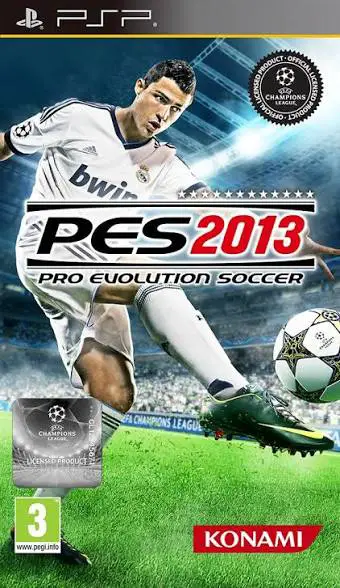
Pro Evolution Soccer 2013 delivers an exceptional portabl...

Pro Evolution Soccer 2012 is a premier handheld associati...
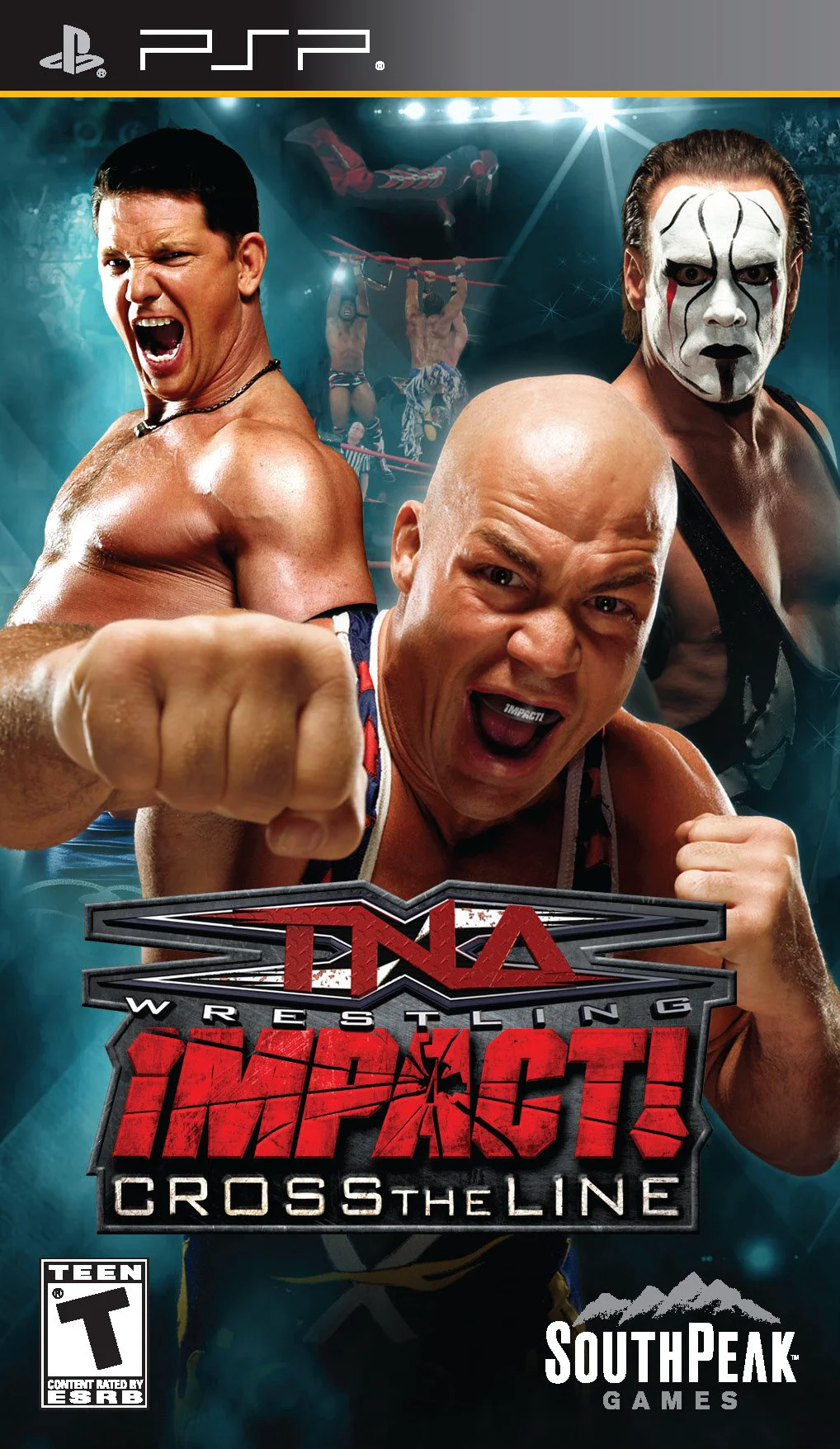
TNA iMPACT!: Cross the Line is an action-packed professio...