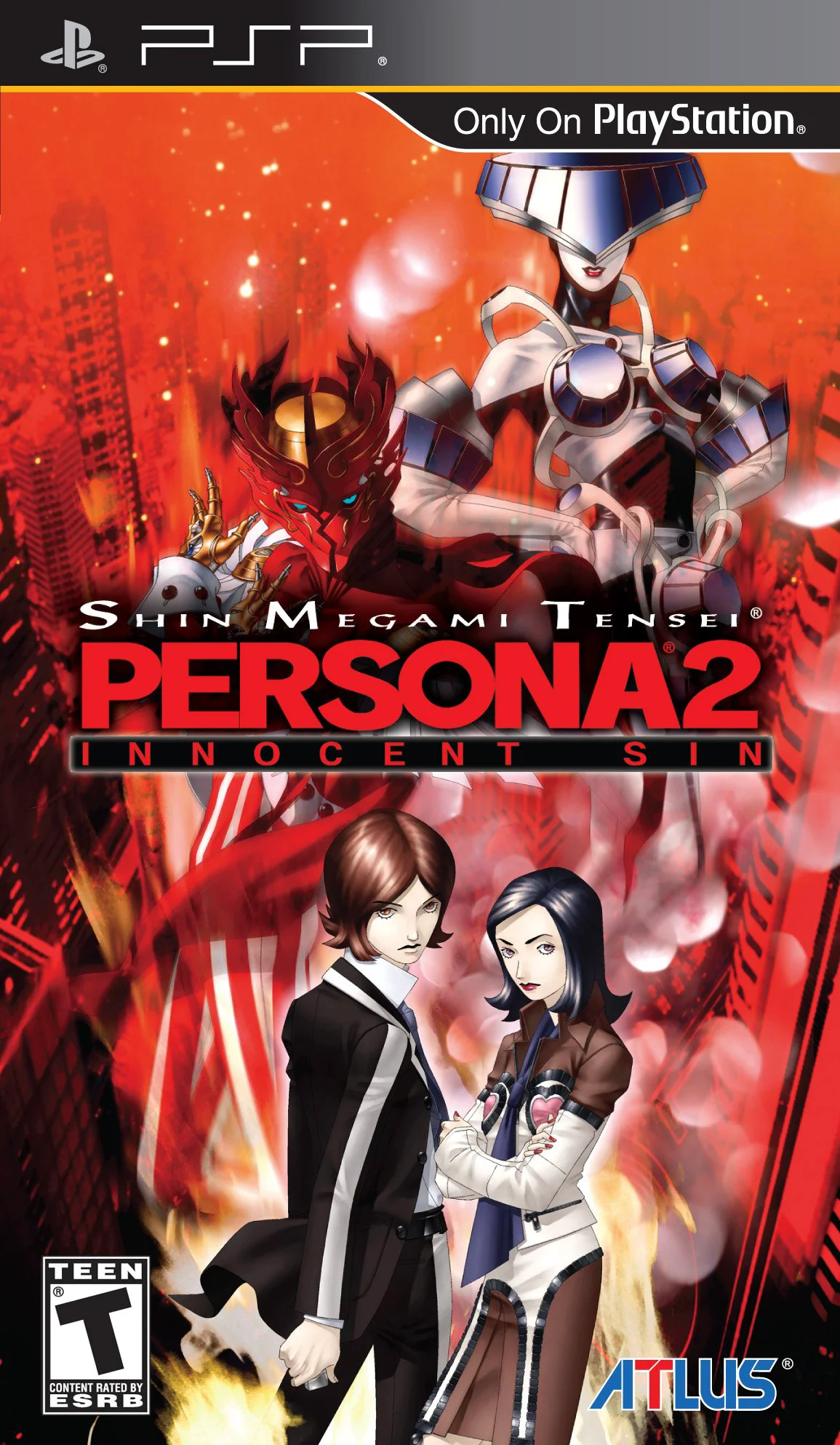
Shin Megami Tensei: Perso...
Shin Megami Tensei: Persona 2 - Innocent Sin is a grippin...

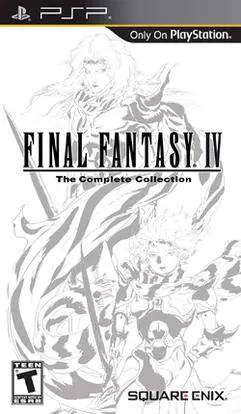
Final Fantasy IV: The Complete Collection unites three distinct chapters of one of gaming's most celebrated fantasy sagas into a single cohesive package. The main game follows Cecil Harvey, a dark knight who questions the motives of his king and embarks on a transformative quest to stop the villainous Golbez from seizing the powerful crystals. Alongside a rotating cast of memorable heroes—including the dragoon Kain, the summoner Rydia, and the sage Tellah—players traverse the surface world, the subterranean depths, and even the moon in airship exploration.
The compilation also includes Final Fantasy IV: Interlude, a bridging story set months after the main game, and Final Fantasy IV: The After Years, which shifts focus to Cecil and Rosa's son, Ceodore, alongside other beloved characters facing a new lunar threat. Benefiting from crisp, hand-drawn 2D graphics that respect the original art style while maximizing modern hardware, redesigned menus, and gallery extras, this release offers tens of hours of deep turn-based tactical combat and unforgettable storytelling.
Developer: Square Enix / Bullets
Publisher: Square Enix
Platform: PlayStation Portable (PSP)
Genre: Role-Playing Game (RPG) / Compilation
Release Date: April 19, 2011 (North America)
Mode: Single-player
Region: USA (English)
Image Type: ISO / CSO
Three Complete Chapters: Experience the original Final Fantasy IV, the bridging scenario Interlude, and the expansive sequel The After Years in one unified release.
Stunning High-Resolution 2D Graphics: Enjoy beautifully updated sprite art and environments meticulously optimized for the PSP's crisp widescreen display.
Active Time Battle (ATB) System: Master the iconic real-time tactical combat engine that defined a generation of classic Japanese role-playing games.
Gallery & Extras: Unlock a comprehensive art gallery featuring illustrations by Yoshitaka Amano and a music player to enjoy the legendary soundtrack.
Flexible Audio Options: Seamlessly switch between the classic original soundtrack and the brilliantly rearranged musical arrangements.
Portable Optimization: Benefit from quick loading times, save states, and refined UI adjustments designed specifically for handheld gaming comfort.
You can easily play this PSP version on modern devices by downloading the game's ISO file and running it via PPSSPP, a high-performance open-source PSP emulator available for Android, iOS, Windows, Mac, and Linux. The emulator allows you to upscale resolutions and customize control layouts.
Yes, it features three complete contents: the original Final Fantasy IV, the mid-story chapter Final Fantasy IV: Interlude, and the full multi-episode sequel Final Fantasy IV: The After Years.
Unlike the 3D polygon remake found on the Nintendo DS and PC, The Complete Collection on PSP preserves and enhances the classic 2D sprite-based art style, offering gorgeous high-definition pixel graphics and widescreen stages.
Aside from the upgraded graphics and audio, the compilation includes bug fixes, balanced progression elements from later versions, an extra gallery section for artwork and cinematics, and autosave features to make portable sessions more convenient.
Click the links below to go to the cloud drive download page
⚠️ Download Tips:
Shin Megami Tensei: Persona 2 - Innocent Sin is a grippin...
Fate/Extra is a captivating turn-based RPG set in an alte...
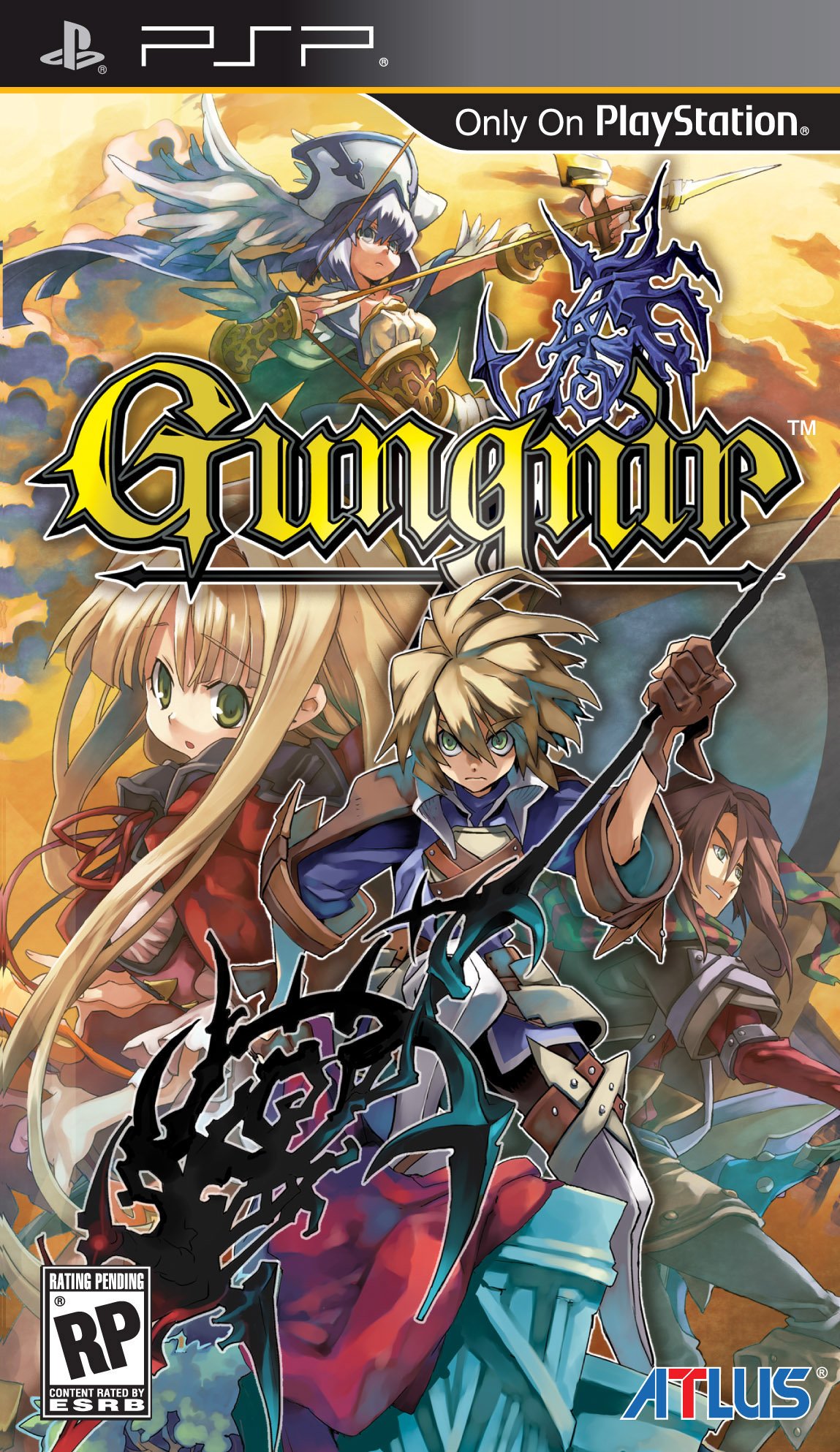
Gungnir delivers a deep and challenging tactical role-pla...
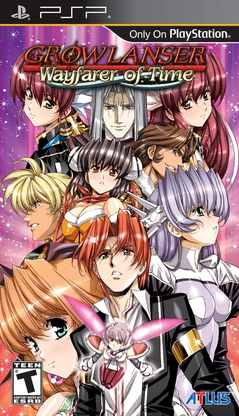
Growlanser – Wayfarer of Time delivers a masterclass in t...
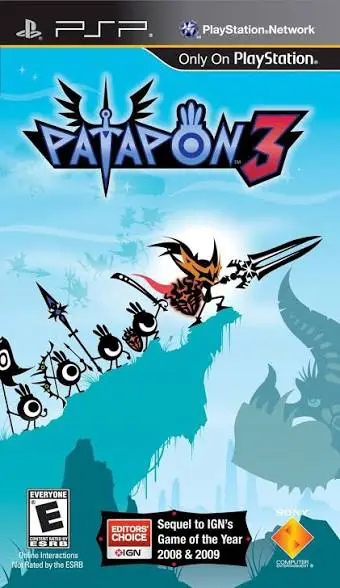
Patapon 3 is an addictive and rhythm-infused tactical act...