
LEGO Pirates of the Carib...
LEGO Pirates of the Caribbean: The Video Game brings the ...

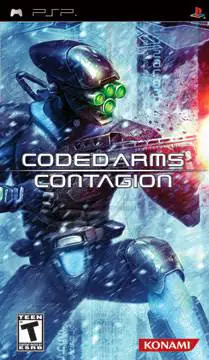
Coded Arms: Contagion plunges players back into the virtual reality battlefield where an elite military network has been completely overrun by an aggressive computer virus. You take on the role of a specialized operative fighting your way through procedurally shifting digital sectors, transforming standard training simulations into a desperate fight for survival. The gameplay focuses on intense corridor gunfights against hostile robots, automated turrets, and monstrous bio-mechanical entities that adapt to your tactics.
The game expands heavily upon its predecessor by introducing upgraded graphics, more fluid controls, and an expanded arsenal of high-tech futuristic weaponry—ranging from standard assault rifles and plasma blasters to devastating energy cannons. Players can scavenge and upgrade their gear as they navigate dark, atmospheric levels filled with tension and environmental hazards. With its unique cyberpunk aesthetic and engaging survival-action mechanics, Coded Arms: Contagion offers a distinct and challenging first-person shooter experience on the PSP.
Developer: Tecmo
Publisher: Tecmo
Platform: PlayStation Portable (PSP)
Genre: First-Person Shooter (FPS) / Sci-Fi Action
Release Date: September 11, 2007 (North America)
Mode: Single-player, Multiplayer (Wireless Ad-Hoc)
Region: USA (English)
Image Type: ISO / CSO
Intense Sci-Fi FPS Action: Experience fast-paced first-person shooter combat optimized for portable hardware, featuring responsive controls and smooth aiming.
Futuristic Arsenal: Arm yourself with a massive selection of high-tech firearms, energy weapons, and explosives designed to obliterate cybernetic threats.
Diverse Hostile Entities: Battle against a wide variety of terrifying foes, including rogue defense mechs, corrupted security drones, and bio-digital mutants.
Atmospheric Cyber World: Explore dark, claustrophobic virtual reality environments rendered with striking lighting effects and industrial sci-fi textures.
Weapon Upgrades & Customization: Discover modular enhancements throughout the network to improve your firepower, accuracy, and ammunition capacity.
Multiplayer Support: Challenge your friends in local wireless ad-hoc multiplayer deathmatches to prove who rules the virtual grid.
To play this game on modern platforms, you will need to download the game's ISO or CSO file and run it using PPSSPP, a high-performance open-source PSP emulator. It is fully playable on Android, iOS, Windows, Mac, and Linux with options to upscale graphics and remap controls.
Yes, it is the direct sequel to Konami's Coded Arms, refining the core first-person shooter mechanics, introducing new weapons, improving graphics, and shifting development duties to Tecmo to deliver a much more polished and atmospheric campaign.
Coded Arms: Contagion natively supports local wireless (Ad-Hoc) multiplayer for head-to-head matches with friends nearby. If you are playing on an emulator like PPSSPP, you can also utilize specialized netplay configurations to play multiplayer matches over the internet.
As you progress through the virtual sectors, you will find data nodes and weapon upgrade kits that allow you to enhance your guns' damage, rate of fire, and magazine size, making it crucial to explore every corner of the shifting levels.
Click the links below to go to the cloud drive download page
⚠️ Download Tips:
LEGO Pirates of the Caribbean: The Video Game brings the ...

Naruto Shippuden: Ultimate Ninja Impact is an explosive 3...
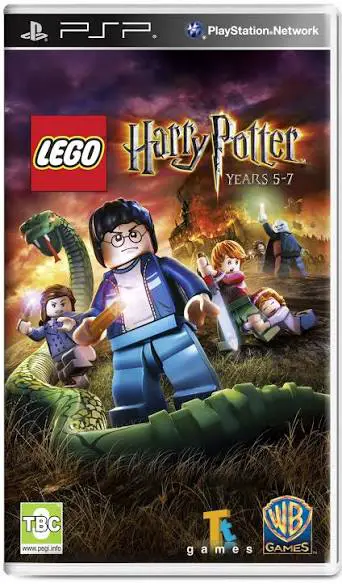
LEGO Harry Potter: Years 5-7 is a charming action-adventu...

Hellboy: The Science of Evil is an action-adventure hack-...
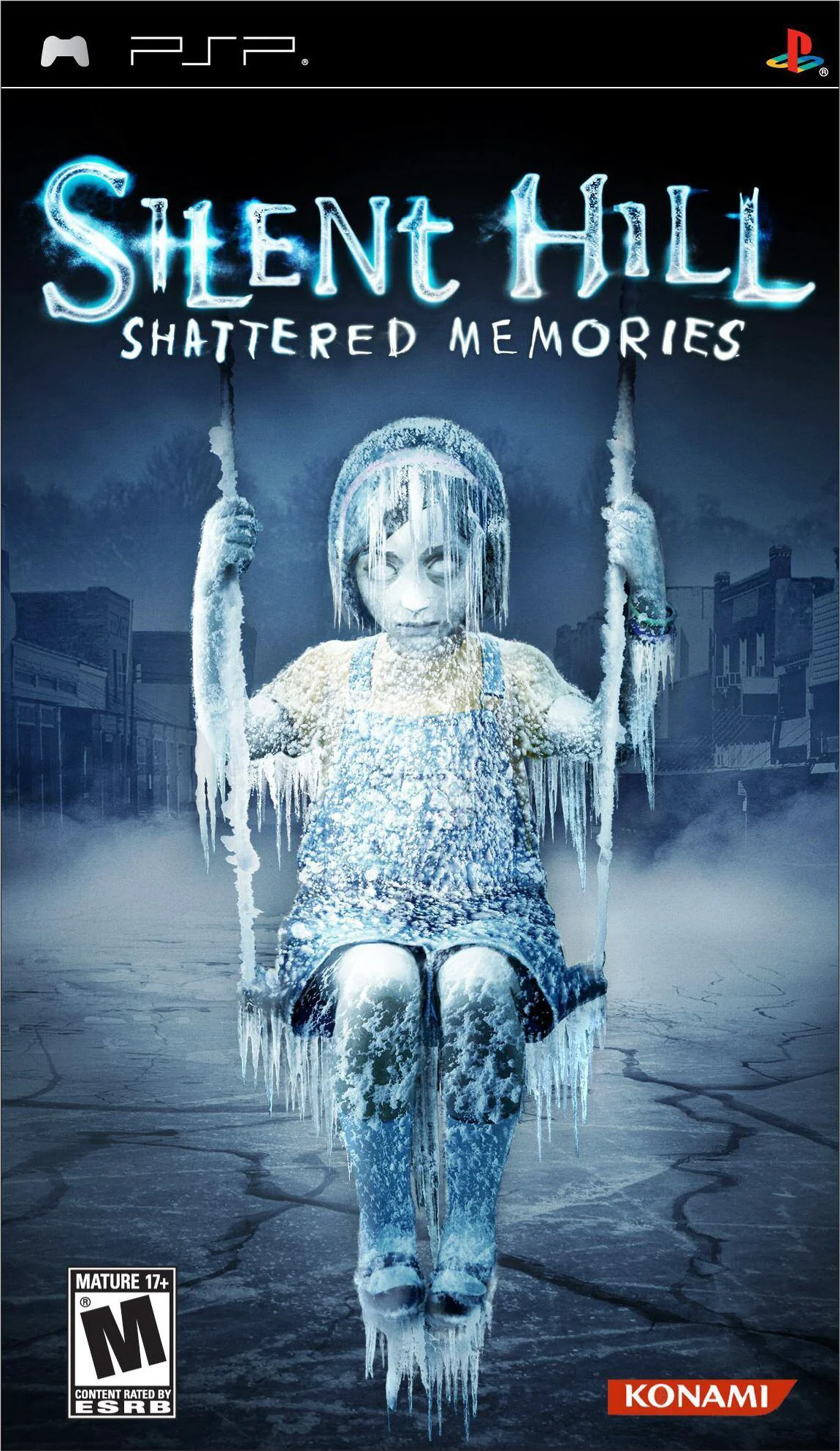
Silent Hill: Shattered Memories is a psychological surviv...